
OpenArt offers different AI models that help you excel in visual styles.
However, it is not the only tool that can give access to different styles and art types. Many different modern AI tools offer enhanced model variety, deeper model customization, and even offline control. Therefore, they become solid competitors to OpenArt, and some of them even provide more interesting features that will help you create content that will grab users’ attention and drive sales to your business.
Already eager to explore further? Then continue reading this guide, which introduces the best alternatives to OpenArt and tells you about their top features.
What to Consider When Choosing an OpenArt Alternative?
Before moving on, let’s first understand what it is worth paying attention to when looking for alternatives to OpenArt and what some of the defining factors are that made us do our ranking.
- Choose a tool that is easy to work with and does not require any advanced experience.
- It is better to choose a platform that offers a free tier so you can test the tool and understand if you want to get access to more advanced models.
- Understand whether the tool offers you a streamlined platform so you can easily switch between the models and continue your work, or if you need to start everything from scratch.
- Check if the platform gives you control over the design and lets you freely edit and alter any elements that you want.
Now, bear this in mind: let’s continue exploring the best tools and understand which one fits your needs the best.
Simple Overview Chart
| Tool | Model Types Supported | Ease of Use | Best For | Free Tier |
| Krea.ai | Image and video generation, 3D models, image enhancement, mood boards, etc | Beginner-friendly, intuitive interface | Designers, concept artists, content creators, marketers, etc | Yes, 100 compute units per day |
| Leonardo AI | Image and video generation models, 3D model creation | Easy to use for beginners | Creative professionals, game developers, marketing teams | Yes, 150 tokens per day |
| Civitai | Video, image, audio generation models | User-friendly interface | AI artists, hobbyists, AI developers | Yes, credit info is not available |
3 Best OpenArt Alternatives Reviewed
Krea.ai
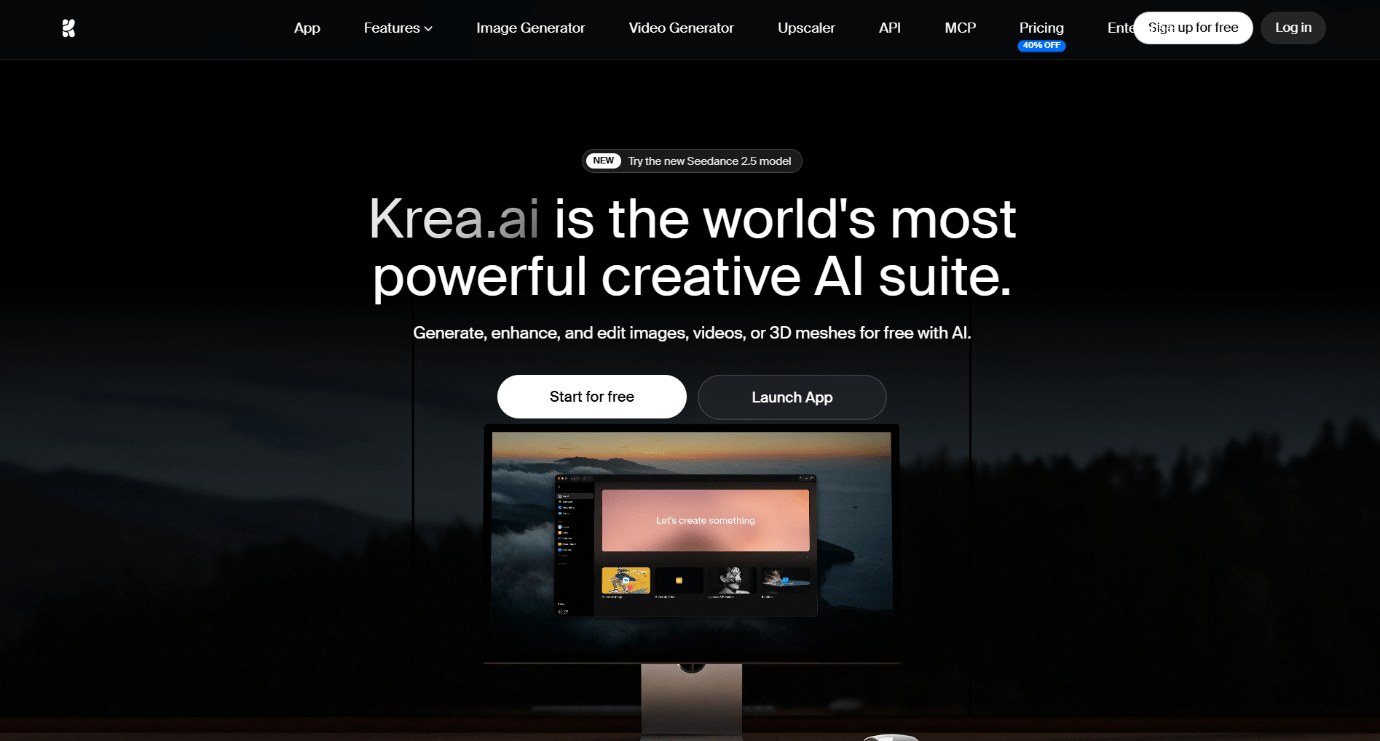
Krea.ai is an all-in-one creative suite for design that has integrated Artificial Intelligence, which helps you easily generate videos and photos, work on enhancing their quality, and edit them freely to get the result you are aiming for.
What AI Models Does It Offer?
Krea.ai offers over 50 AI models for image and video generation, 3D design, and real-time rendering.
Some of the image generation models include Krea 1 and 2, Flux, Ideogram, Nano Banana, and so on. For video generation, some of the prominent models are Runway, Kling, Pika, Luma, etc.
What’s more, Krea allows users to train personalised models to make them provide the style and aesthetics they are looking for.
Switching between models is easy and seamless; users can select the model they want to work with without re-entering the workspace.
Other Features
- Real-Time Generation: As you type the prompt or add the changes you want to make, you can see them immediately appear on the canvas.
- Editor: You can easily remove, change, and add anything you want from the generated piece.
- Animation: If you have generated images but want to make them even more engaging for the audience, you can easily add animations or turn them into short clips.
- Enhancer: You can boost the quality of your generated photos and videos up to 8K and get the most professional quality to post on social media.
As a result, Krea becomes one of the leading alternatives to OpenArt with the help of its advanced AI model integration, easy editing features, and all-in-one workspace.
Leonardo AI
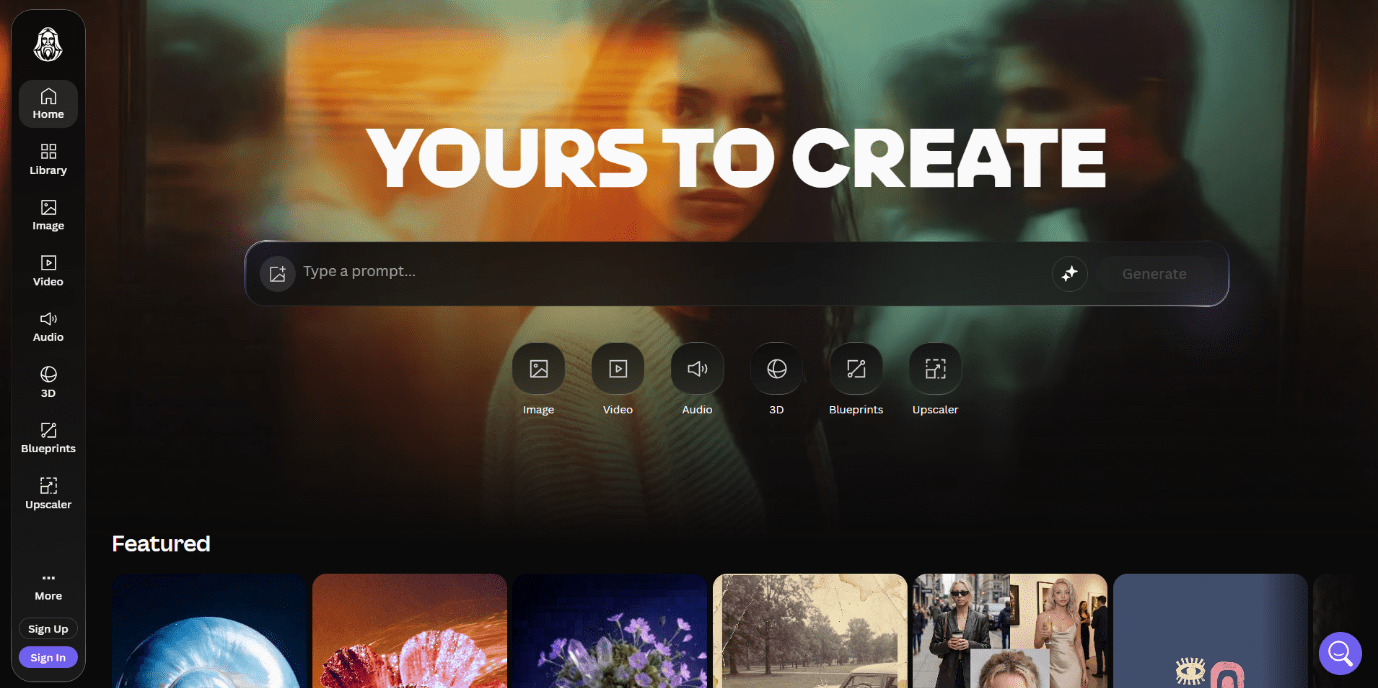
Leonardo AI is another AI-powered design suite that helps to generate and create images and videos for different audiences and needs.
What AI Models Does It Offer?
Leonardo AI offers different AI models for video and image generation. Some of the models include Flux, Phoenix, and Ideogram. There are also some models for video generation like Kling, Veo 3.1, and Sora 2.
Users can also train custom models while uploading any style references and providing detailed prompts to the AI tools.
Other Features
- Quick Generation: You can add your prompt and see images quickly generated without making you wait long.
- Editing: You can edit parts of the generated image, change coloring or lighting, or add and remove any elements you want.
- Add Motion: You can turn still images into animations or 4-second video clips.
Leonardo AI is an OpenArt alternative for Model Variety since it offers real-time image generation and editing and access to diverse models.
Civitai
Civitai is an online hub for open-source AI tools. It helps you to discover new models, share files, and get the content that is closest to your needs.

What AI Models Does It Offer?
Civitai offers a huge library of community-created AI image generation models.
The models fall into categories, including base standalone models that help to generate images from scratch. LoRAs help to train AI to act based on a specific style and use precise aesthetics, and models like Wan 2.5 and Stable Video Diffusion support video and motion generation.
Other Features
- Image Generation: You can add your prompt and wait till your image is generated in a matter of minutes.
- Editing: You can make adjustments to your generated design materials and change elements that you think do not fit.
- Image Remixing: You can make advanced adjustments like working on the quality, inpainting, or using face enhancement tools.
Civitai is another interesting alternative to OpenArt that supports diverse AI models and helps you train them to achieve the style you mostly desire.
Putting It All Together
Therefore, there are different AI tools that become great alternatives for Model variety to OpenArt, bringing their own strengths, customization, and style consistency.
You can use these tools to easily generate images, videos, 3D designs, and post them on your social media platforms. What’s more, by using these models, you can easily train the AI to use the style and aesthetics that you want and create content that fits your business needs.
Choose the tool you are aiming for, try it, and create designs that will make you stand out in the market.